
OopsSec Store’s order confirmation pages use sequential IDs like /orders/ORD-004. The app checks that you’re logged in but never checks whether the order is yours. Change ORD-004 to ORD-001 and you’re looking at someone else’s name, email, delivery address, and full order details.
Table of contents
Open Table of contents
Lab setup
From an empty directory:
npx create-oss-store oss-store
cd oss-store
npm start
Or with Docker (no Node.js required):
docker run -p 127.0.0.1:3000:3000 leogra/oss-oopssec-storeThe application runs at http://localhost:3000.
Vulnerability overview
After placing an order, you land on a confirmation page at something like /orders/ORD-004. The problem is twofold: the backend fetches orders by ID without checking who they belong to, and the IDs are sequential, so guessing valid ones is trivial. Any logged-in user can walk through ORD-001, ORD-002, ORD-003… and read every order in the database.
Exploitation
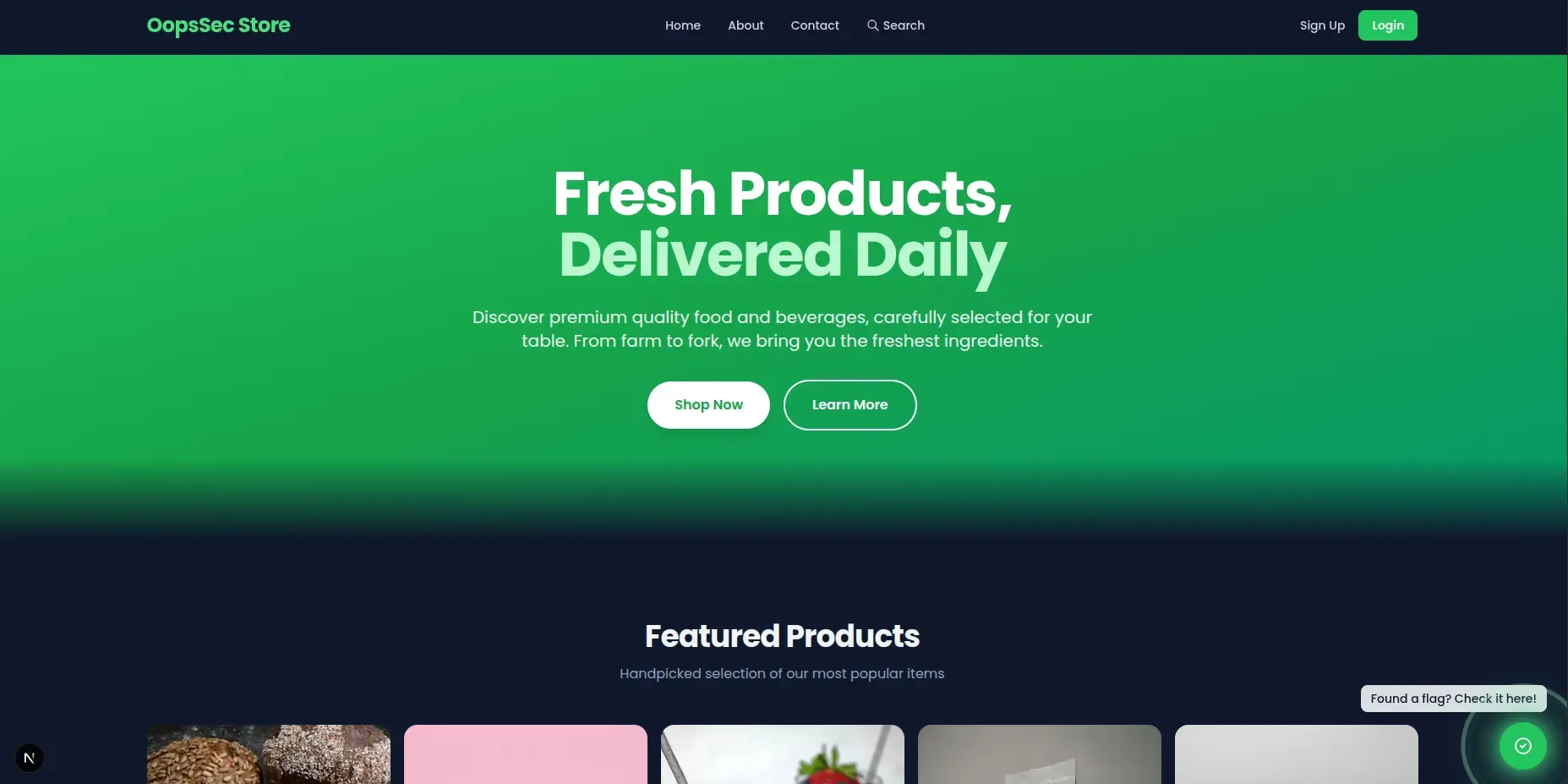
Step 1: Log in
Use the test credentials:
- Email:
alice@example.com - Password:
iloveduck
Step 2: Place an order
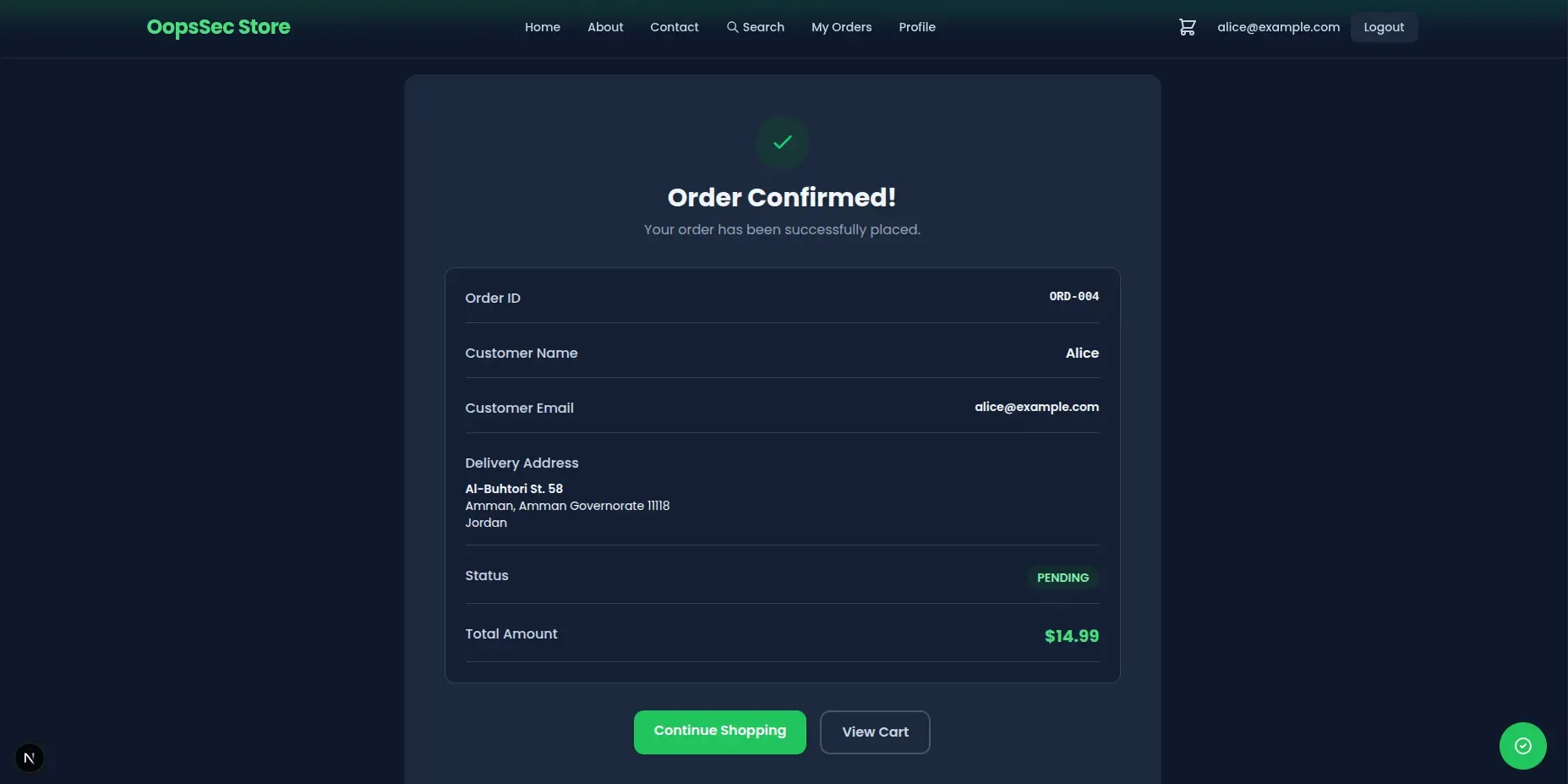
Add something to your cart and check out. You’ll land on a confirmation page:
http://localhost:3000/orders/ORD-004Your order number will vary depending on what’s already in the database, but it’s always ORD- followed by a sequential number.
Step 3: Access someone else’s order
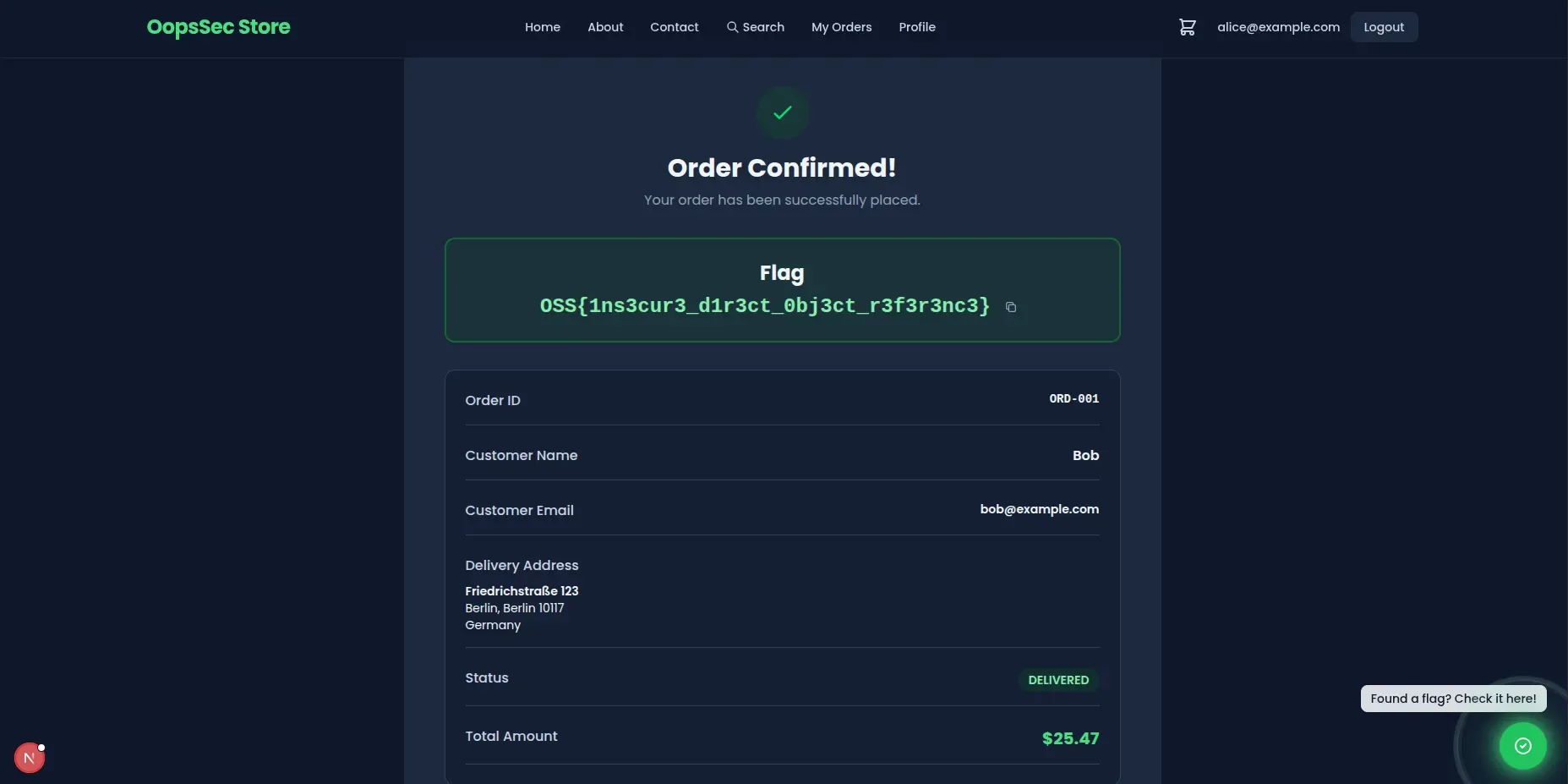
The IDs are sequential. If yours is ORD-004, earlier orders almost certainly exist. Change the URL to:
http://localhost:3000/orders/ORD-001It loads. You’re now looking at another customer’s name, email, delivery address, and what they bought.
Step 4: Grab the flag
The flag sits at the top of the order confirmation page:
OSS{1ns3cur3_d1r3ct_0bj3ct_r3f3r3nc3}Vulnerable code analysis
Here’s what the backend does:
const order = await prisma.order.findUnique({
  where: { id },
});

// Missing: ownership verification
// The order is returned to any authenticated user
It finds the order by ID and returns it. No check that the logged-in user actually placed it. Authentication confirms you have an account; it says nothing about which orders you should see.
Remediation
Check ownership after fetching
Fetch the order, then verify the current user owns it:
const order = await prisma.order.findUnique({
  where: { id },
});

if (!order) {
  return NextResponse.json({ error: "Order not found" }, { status: 404 });
}

if (order.userId !== user.id) {
  return NextResponse.json({ error: "Forbidden" }, { status: 403 });
}
This has to happen server-side. Hiding the link in the UI doesn’t help when someone can just type a URL.
Use non-sequential IDs
Sequential IDs make enumeration easy. Switching to UUIDs or random tokens doesn’t fix the missing authorization check, but it stops people from guessing order IDs by incrementing a number.
Filter by ownership in the query
You can also bake ownership into the query so the wrong user never sees the record at all:
const order = await prisma.order.findFirst({
  where: {
    id,
    userId: user.id,
  },
});

if (!order) {
  return NextResponse.json({ error: "Order not found" }, { status: 404 });
}
If the order belongs to someone else, this returns null. The user gets a 404 and learns nothing about whether the order exists.