
OopsSec Store runs a live-shopping stream called OopsSec Live. Staff can swap the featured YouTube video from an admin “Stream Management” panel, and the public /live page plays whatever video the config points to. The “Update stream” button only renders for admins — but the API behind it never checks your role. Any logged-in customer can rewrite the broadcast.
This is the exact failure mode behind the 2026 FIFA internal-systems hack: the Angular frontend checked the JWT for a NO_ROLES marker and rendered an access-denied page, while the backend APIs checked nothing — “client-side authorization with no server-side enforcement.” That left two things wide open: privileged write operations (changing scores, lineups, kick-off times) reachable by any authenticated account, and the broadcast’s RTMP ingest keys sitting right there in the URL. As the researchers put it: “An attacker could have rickrolled the entire FIFA World Cup. Or played Subway Surfers gameplay. Live. On every TV network worldwide.” OopsSec Live reproduces both halves — an admin-only write endpoint that never checks your role, and a config read that hands out the RTMP url and stream key to any logged-in customer.
Table of contents
Open Table of contents
Lab setup
From an empty directory:
npx create-oss-store oss-store
cd oss-store
npm start
Or with Docker (no Node.js required):
docker run -p 127.0.0.1:3000:3000 leogra/oss-oopssec-storeThe app runs at http://localhost:3000.
Vulnerability overview
Broken Function Level Authorization (BFLA) happens when an API authenticates the caller but never checks that their role is allowed to invoke a privileged function. Authentication (“who are you?”) is solved; the function-level authorization (“are you allowed to do this?”) is missing.
The admin panel at /admin/live reads and writes the stream via two endpoints:
GET /api/live/streamreturns the config — including the RTMP ingest URL and stream key — to any authenticated user.POST /api/live/streamupdates the featured video. It is mounted withwithAuth, notwithAdminAuth.
The only thing that “restricts” the update is the React component hiding the button for non-admins. That is cosmetic gating, and you bypass it by calling the endpoint directly.
Exploitation
Step 1: Log in as a regular customer
Use the test credentials for a non-admin user:
- Email:
alice@example.com - Password:
iloveduck
Step 2: Watch the live stream load
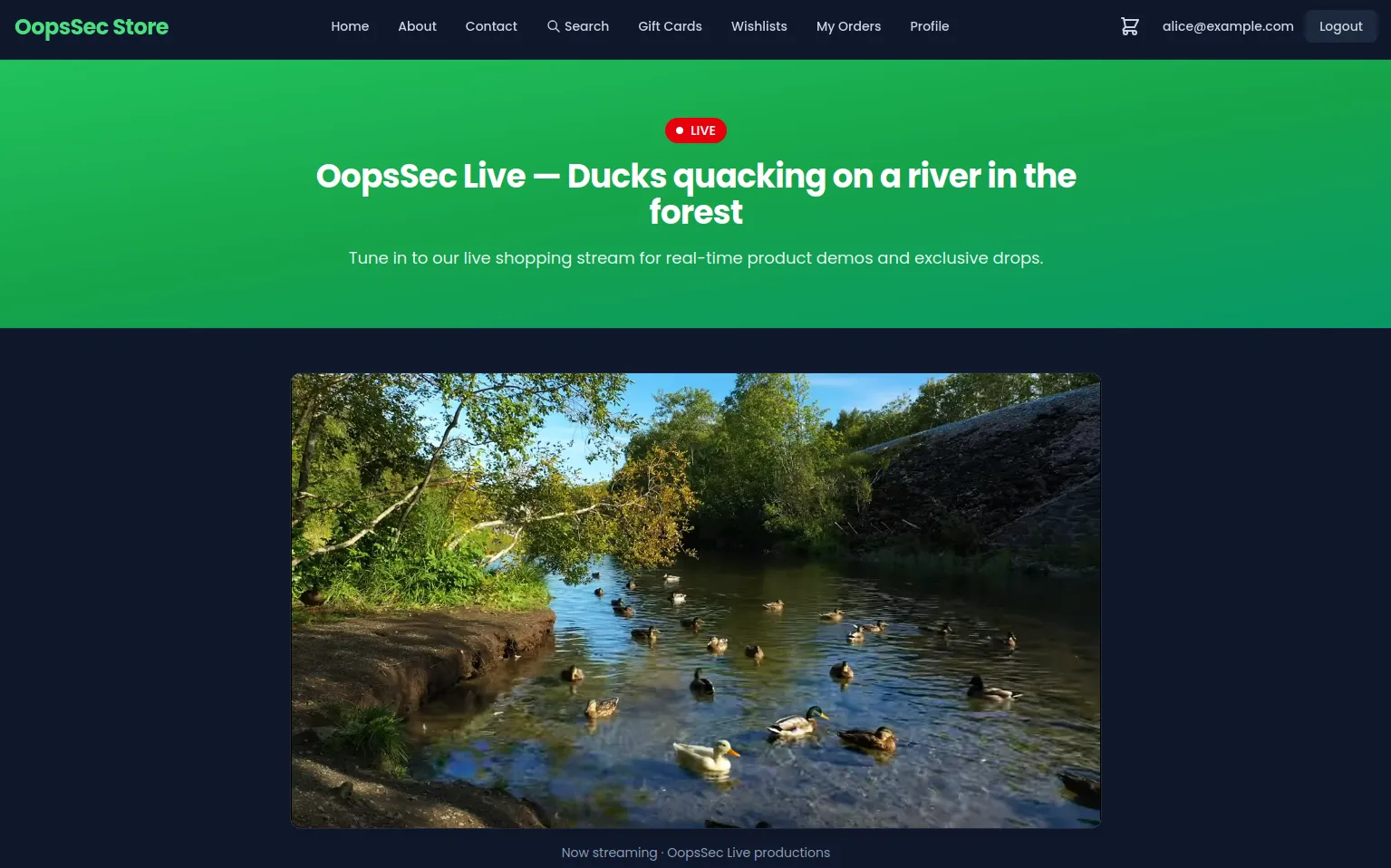
Open the public /live page (also linked in the footer). It embeds the “official” broadcast:
Step 3: Read the stream config
The admin panel is hidden from you in the UI, but the read endpoint is not actually admin-gated. Call it directly:
curl -b "authToken=<your-jwt-token>" \
  http://localhost:3000/api/live/stream
The response leaks the full config — rtmpUrl, streamKey, and the current liveVideoId — to a plain customer account. That is already a finding (exposed broadcast controls).
Lab scope: here the RTMP url and stream key are illustrative — there’s no live ingest server to push to, so the hijack below works through the YouTube video swap (the unprotected
POST) instead. In the real FIFA case that leaked key was the exploit: with the stream key sitting in the URL, an attacker could push their own feed straight into the broadcast pipeline. Same root cause — operational secrets handed to an unprivileged session — this lab just stops at exposing them rather than wiring up a real ingest.
Step 4: Hijack the broadcast
The update endpoint accepts a liveVideoId and never checks your role. Point it at a video of your choosing:
curl -X POST http://localhost:3000/api/live/stream \
  -b "authToken=<your-jwt-token>" \
  -H "Content-Type: application/json" \
  -d '{"liveVideoId":"dQw4w9WgXcQ"}'
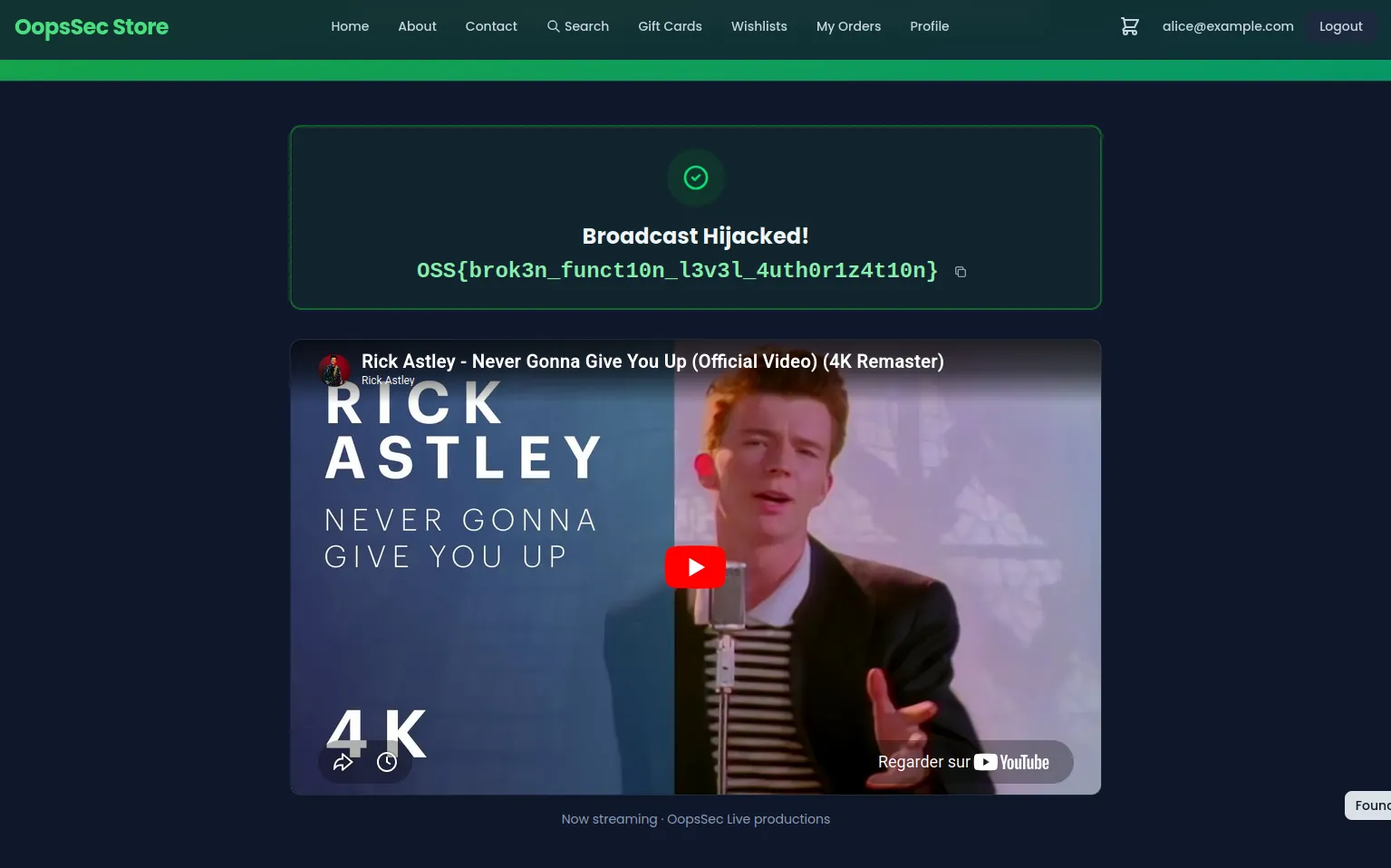
The server accepts the write. Reload /live and the public broadcast now plays your video. Because a non-admin just rewrote the public stream, the response includes the flag.
Step 5: The flag
OSS{brok3n_funct10n_l3v3l_4uth0r1z4t10n}Vulnerable code analysis
The bug is in the POST handler of /api/live/stream/route.ts:
// VULNERABLE: withAuth proves you are logged in, nothing checks your role.
export const POST = withAuth(async (request, _context, user) => {
  const { liveVideoId } = await request.json();

  const updated = await prisma.streamConfig.update({
    where: { id: config.id },
    data: { liveVideoId },
  });

  return NextResponse.json({ ok: true, config: updated });
});
withAuth returns a 401 for anonymous requests, which makes the endpoint look secured. But it never compares user.role to ADMIN. The admin-only intent lives entirely in the React component that hides the “Update stream” button — and the browser is not an authorization boundary.
The GET handler has the same problem in reverse: it hands the RTMP url and stream key to any authenticated user.
Remediation
Enforce the role on the server
The codebase already ships a withAdminAuth wrapper. Use it on every privileged route, regardless of whether a non-admin “should” be able to find it:
export const POST = withAdminAuth(async (request, _context, _user) => {
  const { liveVideoId } = await request.json();

  // Validate input too: accept a known-good YouTube ID, never a free-form URL.
  if (!/^[A-Za-z0-9_-]{11}$/.test(liveVideoId)) {
    return NextResponse.json({ error: "Invalid video id" }, { status: 400 });
  }

  const updated = await prisma.streamConfig.update({
    where: { id: config.id },
    data: { liveVideoId },
  });

  return NextResponse.json({ ok: true, config: updated });
});
Treat secrets as secrets
The RTMP ingest URL and stream key should never be returned to a normal user session. Scope them to admin reads, or drop them from the response entirely.
The takeaway
Hiding a button is not authorization. Object-level checks (BOLA) ask “can this user touch this record?”; function-level checks (BFLA) ask “can this user invoke this operation?”. Both belong in the handler, enforced server-side — never delegated to whatever the client chose to render.